Credentials
How do i get credentials to access the API?
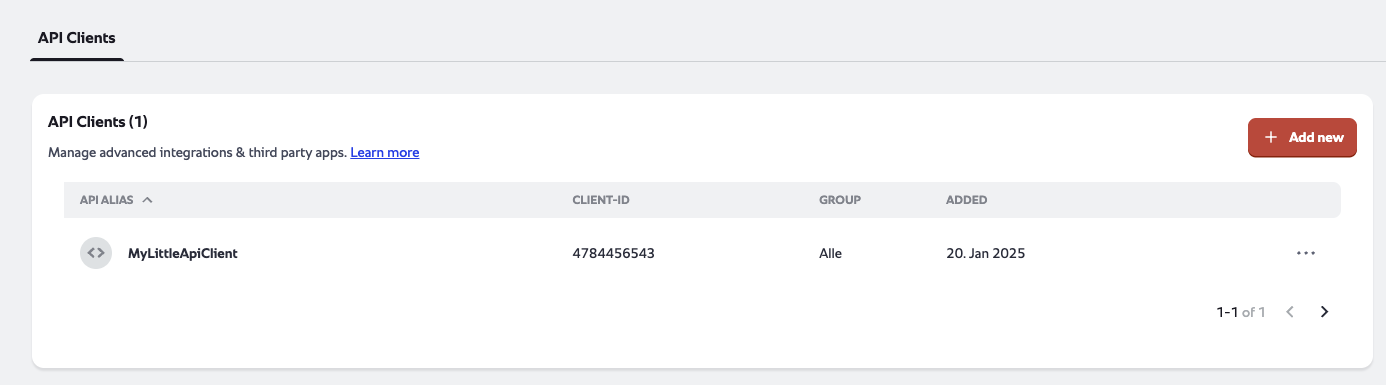
In order to get access to the API you have to create an API Client. You can find the setting under
Administration -> Integrations -> API Clients -> Create or follow this link.
As a general rule try to provision the API Clients with the rule of least permission meaning only select API's and groups that you actually need access to.
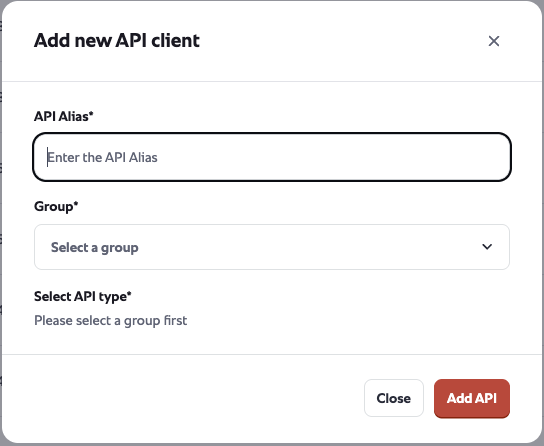
Step 1: Input an alias
For example, the application using the token or the purpose of the token.
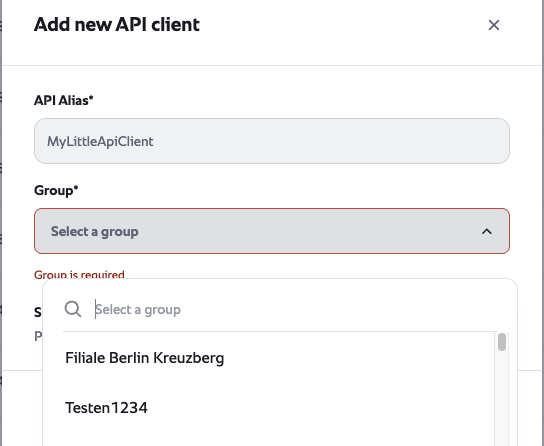
Step 2: Select a group
Select the group the credentials should be api to see and access. All subgroups are automatically included.
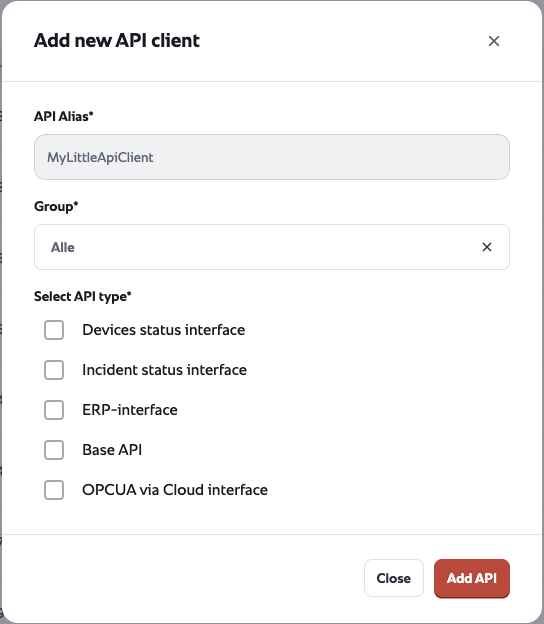
Step 3: Select the API's that you want to access
Select which API's the api client should have access to.
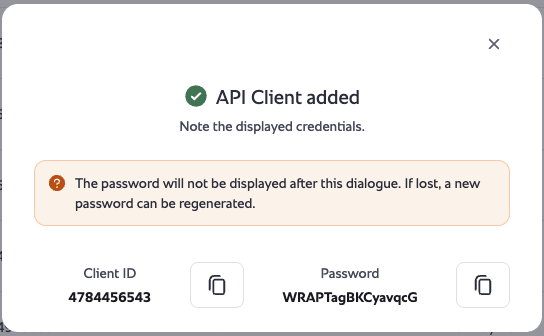
Step 4: Save your credentials
Once you click the ADD API button you will be presented with the credentials of the API client. Please note them down in a save way.
Please note down the Client-ID and Password they won't be shown to you again.
Regenerate credentials
If you lost your credentials for an API client you can use the Renew function to get new credentials,
Deleting credentials
If you want to delete an API client you can do this within the settings table.
The deletion will take immediate effect.